

Preparation
We recommend the official Tuya Smart App for all essentials products:
Tuya Smart App


1: Reset the Wi-Fi repeater & put it into pairing mode
- Press and hold the button on the Wi-Fi repeater while plugging it into the socket.
- Keep the button pressed until the LED lights up continuously, then release.
- The LED will switch to fast blinking after a short time — the repeater is reset and in pairing mode.
2: Add Wi-Fi repeater in the app
- Open Tuya App → tap + in the top right corner → Add Device.
- Enter and select "Water valve controller (Wi-Fi)" in the search bar.
- Select 2.4 GHz Wi-Fi, enter Wi-Fi password and tap Next.
- Confirm that the LED is blinking rapidly → App connects the device.
- After successful connection, tap Finish.


3: Reset irrigation unit
- Press and hold the button while inserting the batteries.
- LED lights red/white — continue holding the button.
- LED goes out — continue holding the button.
- LED lights red/white again — release → Reset successful.
4: Put the irrigation unit into pairing mode & add it in the app
- Press and hold the left button until the LED blinks white rapidly — the unit is now in pairing mode.
- In the gateway, tap Manage Devices → Add more devices.
- Select "Water valve controller".
- Confirm that the LED is blinking white rapidly → App connects the device.
- After successful connection, tap Finish.


5. Create irrigation schedules
- Open app & select "Scheduling"
- Create Plan A, B or C
- Adjust settings:
- Start time
- Duration of irrigation
- Days & Intervals
- Save & activate
6. Manual operation
- Open app & select irrigation system
- Activate/deactivate manual control
- Set start time & duration
7. Accessories (optional)
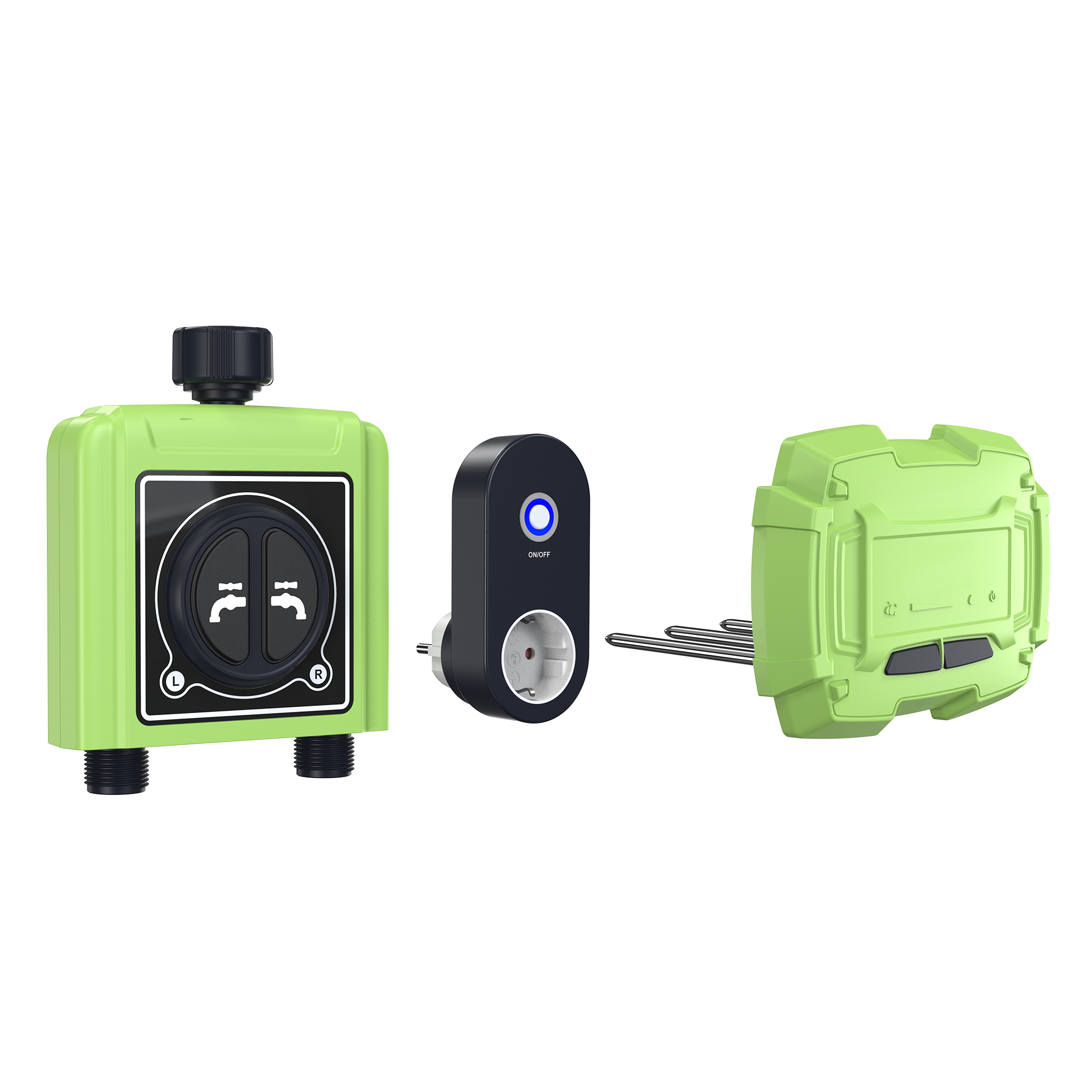
- Soil sensor: Measures soil moisture and optimizes irrigation.
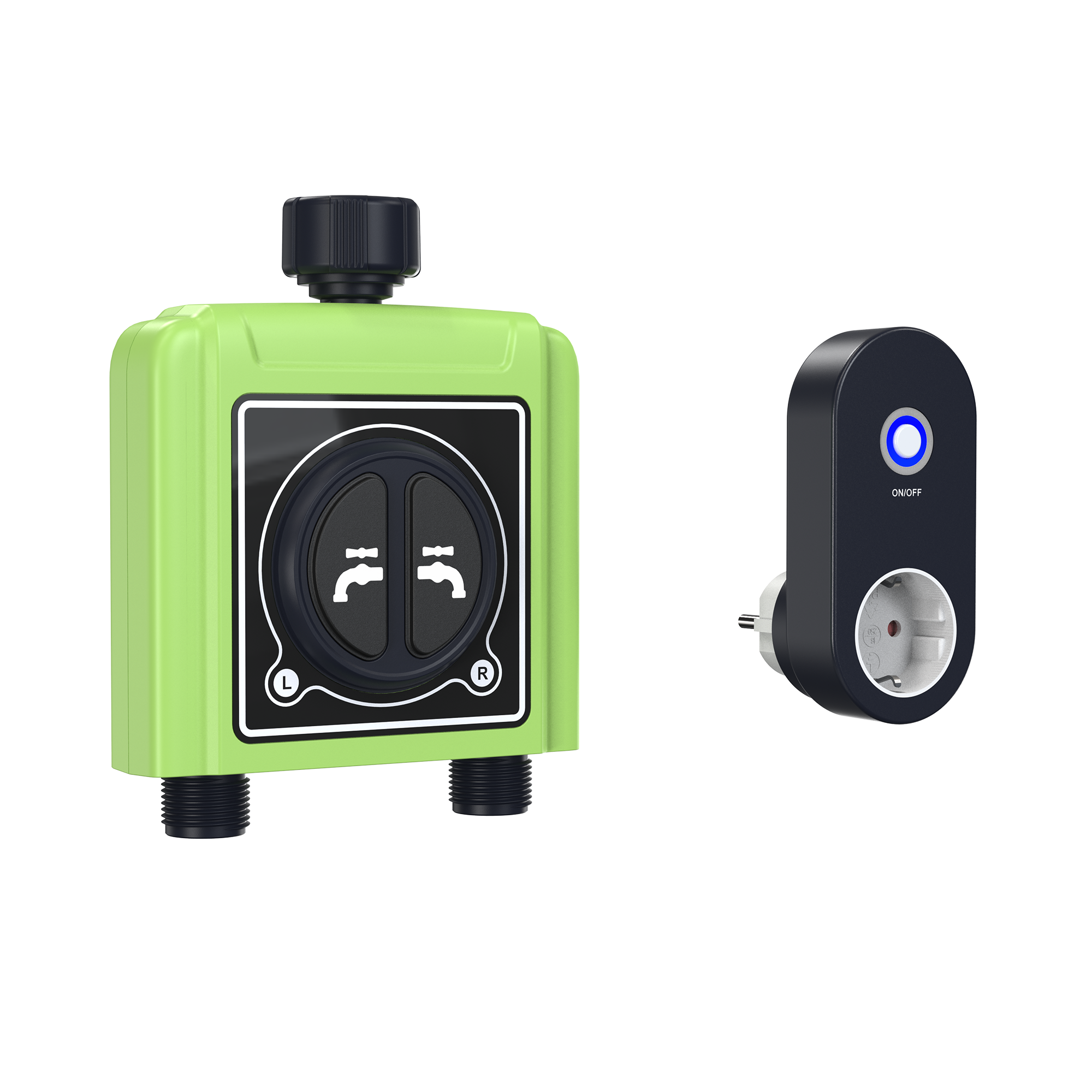
- Wi-Fi repeater: Boosts the signal if the system is too far from the router.
8. Tips & Notes
- Place the Wi-Fi repeater close to the irrigation system.
- If the system does not respond, remove and reinsert the batteries.
- App control also works when the smartphone is not nearby.